USAID
USAID Learning Lab Library User Guide
The USAID Learning Lab Library is a comprehensive resource that supports USAID missions and partners in integrating learning throughout the Program Cycle.
3 pages
Sign in to readA free account is required to download.
Abstract
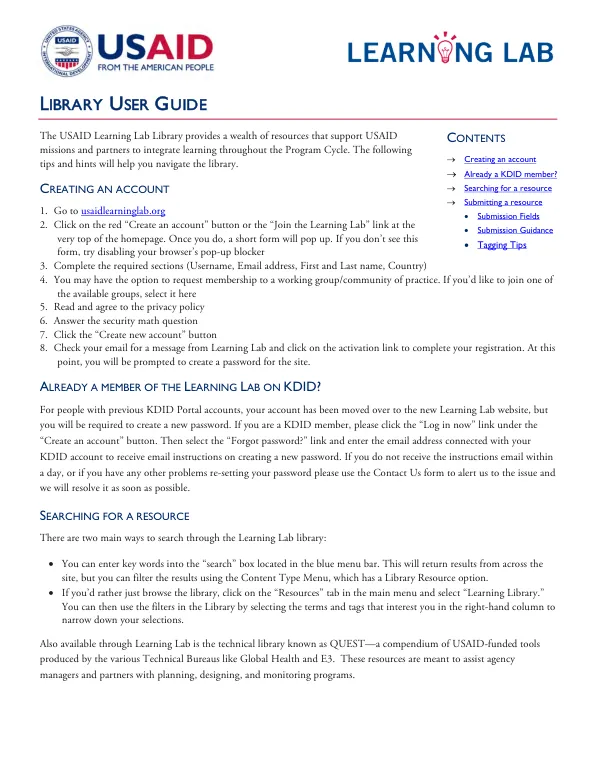
The library provides a wealth of information and tools to aid in planning, designing, and monitoring programs. Creating an account in the USAID Learning Lab Library is a straightforward process. Users can visit the website at usaidlearninglab.org and click on the "Create an account" button or the "Join the Learning Lab" link at the top of the homepage. A short form will appear, which requires users to provide their username, email address, first and last name, and country. Users may also have the option to request membership to a working group or community of practice. Once the form is completed, users must read and agree to the privacy policy and answer a security math question. After clicking the "Create new account" button, users will receive an email with a link to activate their registration and create a password for the site. For users who are already members of the Learning Lab on KDID, their account has been moved to the new Learning Lab website, but they will be required to create a new password. The library offers two main ways to search for resources: through the search box located in the blue menu bar or by browsing the library through the "Resources" tab in the main menu. Users can filter search results using the Content Type Menu, which includes a Library Resource option. Additionally, the library features a technical library known as QUEST, which is a compendium of USAID-funded tools produced by various Technical Bureaus. Users can also submit their own resources to the library by clicking on the "Add Resource" button. The submission form requires users to fill out fields in three tabs: Resource Description, Author/Publication info, and Resources. Users should ensure that their resource is formatted, edited, and converted to PDF format before submitting it. The library encourages users to be specific when tagging their resources, but it is not necessary to be exhaustive. Users can also add related resources to their submission by selecting them from a drop-down menu. The USAID Learning Lab Library provides guidance on submitting resources, including tips on writing concise descriptions and complying with USAID accessibility requirements. Users are only able to upload PDF documents, and information is available on how to convert documents to PDF. The library team reviews new submissions weekly, and users can expect their submission to appear on the site within 3-5 business days. The library encourages relevant resource contributions from the greater community of implementing partners and USAID staff in the field.
Related documents