USAID
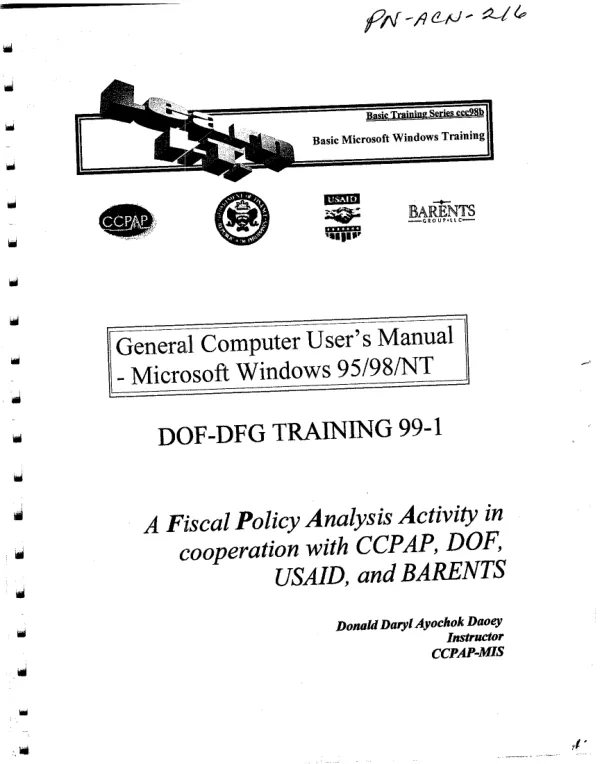
General Computer User's Manual Microsoft Windows 95/98/NT
The agricultural development initiative in the document is not the main topic, but rather a general computer user's manual for Microsoft Windows 95/98/NT.
119 pages
Sign in to readA free account is required to download.
Abstract
The manual is designed to provide basic information on how to set up and use a computer, including connecting the parts, connecting to a network, and using specific programs. The manual begins by explaining how to set up the computer, including connecting the keyboard, mouse, and printer. It also provides instructions on how to connect to a network and how to use the Windows operating system. The manual is divided into several chapters, including "Setting Up Your Computer," "Using Windows," and "Communicating with People." Each chapter provides step-by-step instructions on how to perform specific tasks, such as connecting the keyboard, mouse, and printer, and how to use the Windows operating system. The manual also provides information on how to use specific programs, such as the Internet and email. It explains how to connect to the Internet, how to send and receive email, and how to use the browser interface. The manual is written in a simple and straightforward style, making it easy for users to understand and follow the instructions. It also includes illustrations and diagrams to help users visualize the steps involved in setting up and using the computer. The manual is designed to be a general guide for computer users, and it does not provide in-depth information on specific topics. However, it provides a good starting point for users who are new to computers and want to learn the basics of how to set up and use a computer. The manual is also designed to be used in conjunction with other resources, such as the Windows operating system and specific programs. It provides information on how to use these resources, but it does not provide detailed instructions on how to use them. The manual is written in a way that is easy to understand, and it includes illustrations and diagrams to help users visualize the steps involved in setting up and using the computer. It is a good resource for users who are new to computers and want to learn the basics of how to set up and use a computer. The manual is also designed to be used in a classroom setting, where users can learn from the instructor and practice using the computer. It provides a good starting point for users who are new to computers and want to learn the basics of how to set up and use a computer. The manual is also designed to be used in a self-study setting, where users can learn from the manual and practice using the computer. It provides a good starting point for users who are new to computers and want to learn the basics of how to set up and use a computer. The manual is also designed to be used in a business setting, where users can learn from the manual and practice using the computer. It provides a good starting point for users who are new to computers and want to learn the basics of how to set up and use a computer. The manual is also designed to be used in a training setting, where users can learn from the
Related documents